Install NixOS
Install your first NixOS machine
You have a blank virtual computer and a NixOS installer image. We'll take it all the way to a rebuild and a safe reboot.
Everything here is simulated. Your real disks and configuration are untouched.Use the ↑ and ↓ keys to select which entry is highlighted.
Press enter to boot the selected OS, e to edit, or c for a command-line.
Welcome to the NixOS installer.

This program will ask you some questions and set up NixOS on your computer.
The language you choose will be used for the installer and the new system.
Location
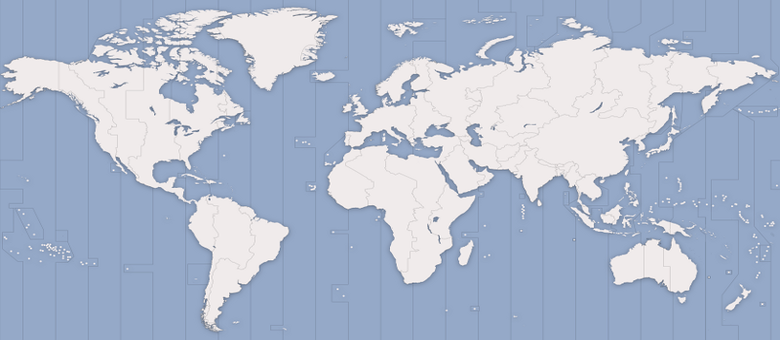
Select a timezone and a location for the system language and formats.
 Kyiv
Kyiv
- Timezone:
- Europe/Kyiv
- System language:
- American English (United States)
- Numbers and dates:
- American English (United States)
Keyboard
- English (US)
- English (UK)
- German
- Ukrainian
- Default
- English (intl., with AltGr dead keys)
- English (Colemak)
Users
Choose a name, a login name, and a password for the installed system.
Desktop
Choose the desktop environment to install.
- GNOME
- Plasma
- Xfce
- Pantheon
- Cinnamon
- MATE
- Enlightenment
- LXQt
- No desktop
Every part of GNOME has been designed to make it simple and easy to use. It provides a focused working environment that helps you get things done.
Unfree Software
Partitions
FAT32
/boot63.0 GiB
ext4
NixOS /
The virtual disk is empty. In a real installer, verify the device and your backups before continuing.
Summary
Install
Installing NixOS
NixOS keeps complete system versions as generations, so a future change does not erase your working system.
All done.
NixOS has been installed
You can restart the virtual computer and boot into your new system.
This folder is empty.
Rename the computer to snowflake, enable Firefox, and install Git.
- Set
networking.hostNameto"snowflake" - Set
programs.firefox.enabletotrue - Add
environment.systemPackagesand putgitin it
Read onlyNixOS generated this file. Change it and the next rebuild writes it back.
nixos-lab- OS Name
- NixOS 26.05 (Yarara)
- Kernel Version
- Linux 6.12.41
- Windowing System
- Wayland
- Processor
- Virtual CPU × 4
- Memory
- 4.0 GiB
- Disk Capacity
- 64.0 GB
- System Generation
- 1
Everything on this page is decided by /etc/nixos/configuration.nix.
NixOS
Declarative builds and deployments.
Firefox is here because your configuration says programs.firefox.enable = true; - not because anyone installed it.
Your system now has history
Each successful switch points a new generation at a complete system. The older one stays available for rollback.
Every generation you have built is still here.
Use the ↑ and ↓ keys to choose one, then press enter to boot it.
You installed and rebuilt NixOS
You're running generation 2 as snowflake. Every saved generation is still available from the boot menu.
Share your thoughts