Install NixOS
 NixOS 26.05.11045.774debe7a0d1 Installer GNOME (Linux 7.2.8)NixOS 26.05.11045.774debe7a0d1 Installer Plasma (Linux LTS)NixOS 26.05.11045.774debe7a0d1 Installer Plasma (Linux 7.2.8)
 Options
 Memtest86+
 Firmware Setup
 Shutdown
Welcome to the NixOS installer
This program will ask you some questions and set up NixOS on your computer.


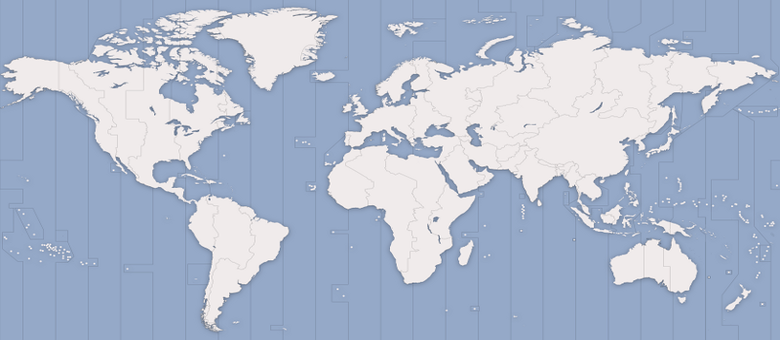
 Kyiv
Kyiv- A user-defined custom Layout
- Albanian
- Amharic
- Arabic
- Arabic (Egypt)
- Arabic (Iraq)
- Arabic (Morocco)
- Arabic (Syria)
- Armenian
- Azerbaijani
- Bambara
- Bangla
- Belarusian
- Belgian
- Berber (Algeria, Latin)
- Bosnian
- Braille
- Bulgarian
- Burmese
- Chinese
- Croatian
- Czech
- Danish
- Dari
- Dhivehi
- Dutch
- Dzongkha
- English (Australia)
- English (Cameroon)
- English (Ghana)
- English (New Zealand)
- English (Nigeria)
- English (South Africa)
- English (UK)
- English (US)
- Esperanto
- Estonian
- Faroese
- Filipino
- Finnish
- French
- French (Canada)
- French (Democratic Republic of the Congo)
- French (Togo)
- Georgian
- German
- German (Austria)
- German (Switzerland)
- Greek
- Hebrew
- Hungarian
- Icelandic
- Indian
- Indonesian (Latin)
- Irish
- Italian
- Japanese
- Kazakh
- Khmer (Cambodia)
- Korean
- Kyrgyz
- Lao
- Latvian
- Lithuanian
- Macedonian
- Malay (Jawi, Arabic Keyboard)
- Maltese
- Moldavian
- Mongolian
- Montenegrin
- N'Ko (AZERTY)
- Nepali
- Norwegian
- Persian
- Polish
- Portuguese
- Portuguese (Brazil)
- Romanian
- Russian
- Serbian
- Sinhala (phonetic)
- Slovak
- Slovenian
- Spanish
- Spanish (Latin American)
- Swahili (Kenya)
- Swahili (Tanzania)
- Swedish
- Taiwanese
- Tajik
- Thai
- Tswana
- Turkish
- Turkmen
- Ukrainian
- Urdu (Pakistan)
- Uzbek
- Vietnamese
- Wolof
- Cherokee
- Default
- English (Colemak)
- English (Colemak-DH ISO)
- English (Colemak-DH Ortholinear)
- English (Colemak-DH Wide ISO)
- English (Colemak-DH Wide)
- English (Colemak-DH)
- English (Dvorak)
- English (Dvorak, Macintosh, ANSI)
- English (Dvorak, Macintosh, ISO)
- English (Dvorak, alt. intl.)
- English (Dvorak, intl., with dead keys)
- English (Dvorak, one-handed, left)
- English (Dvorak, one-handed, right)
- English (Macintosh, ABC, ANSI)
- English (Macintosh, ABC, ISO)
- English (Norman)
- English (US, Symbolic)
- English (US, alt. intl.)
- English (US, euro on 5)
- English (US, intl., with dead keys)
- English (Workman)
- English (Workman, intl., with dead keys)
- English (classic Dvorak)
- English (intl., with AltGr dead keys)
- English (programmer Dvorak)
- English (the divide/multiply toggle the layout)
- Hawaiian
- Russian (US, phonetic)
- Serbo-Croatian (US)
- GNOME
- Plasma
- Xfce
- Pantheon
- Cinnamon
- MATE
- Enlightenment
- LXQt
- Budgie
- No desktop
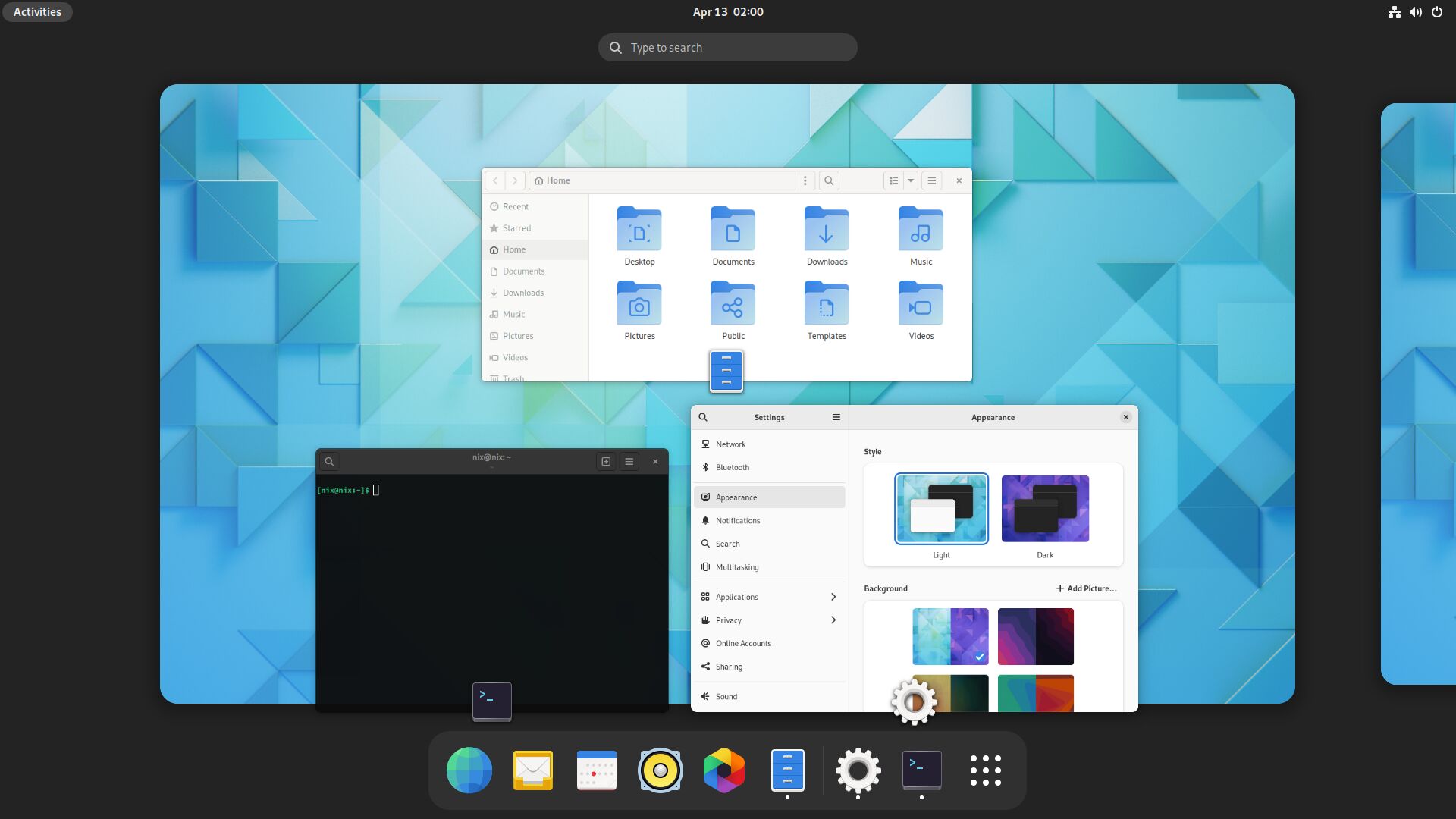
Every part of GNOME has been designed to make it simple and easy to use. It provides a focused working environment that helps you get things done. GNOME is a popular choice and well tested on NixOS.
Learn more at gnome.org
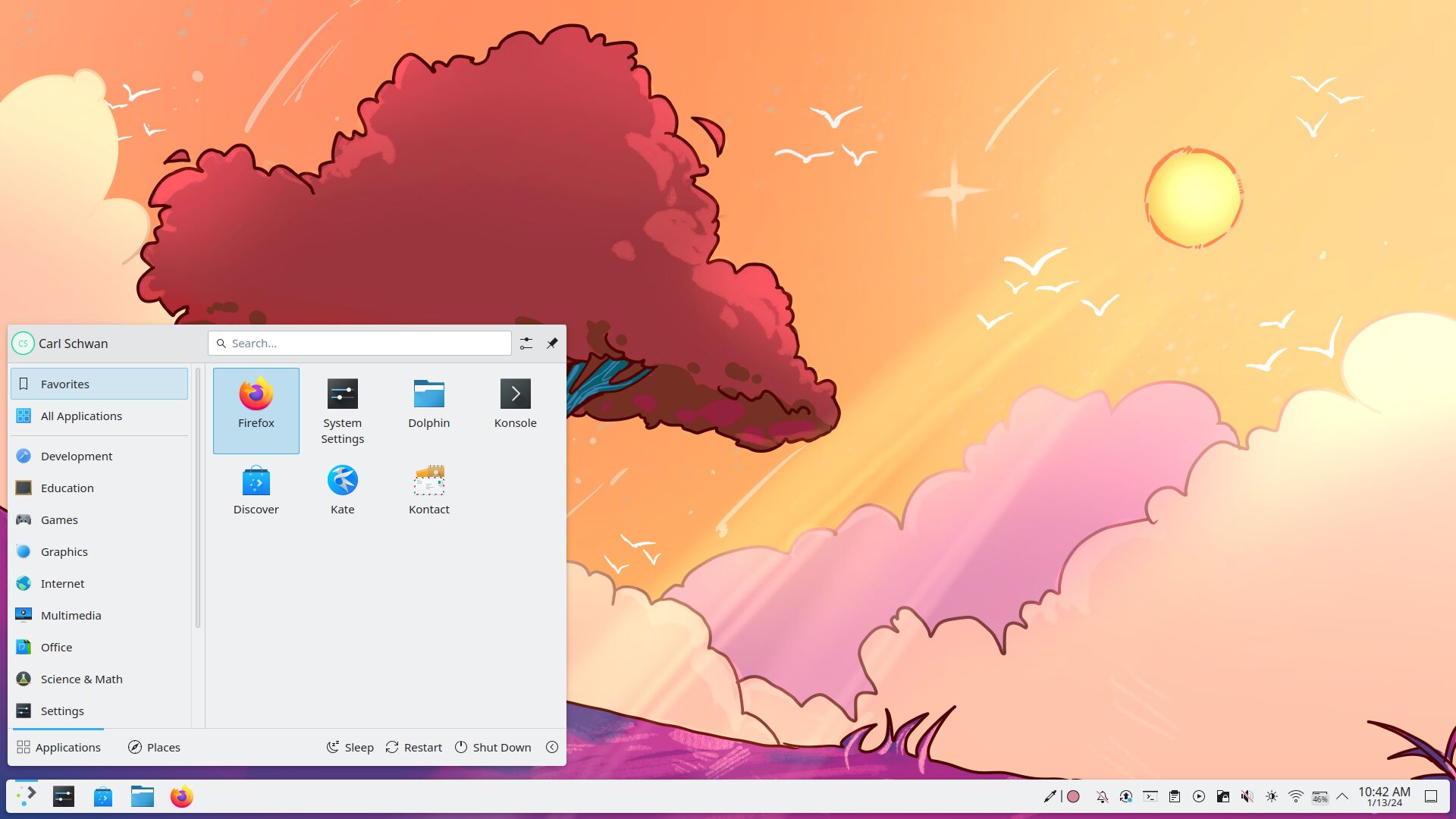
Plasma is made to stay out of the way as it helps you get things done. But under its light and intuitive surface, it's a highly customizable. So you're free to choose ways of usage right as you need them and when you need them. Plasma is a popular choice and well tested on NixOS.
Learn more at kde.org/plasma-desktop
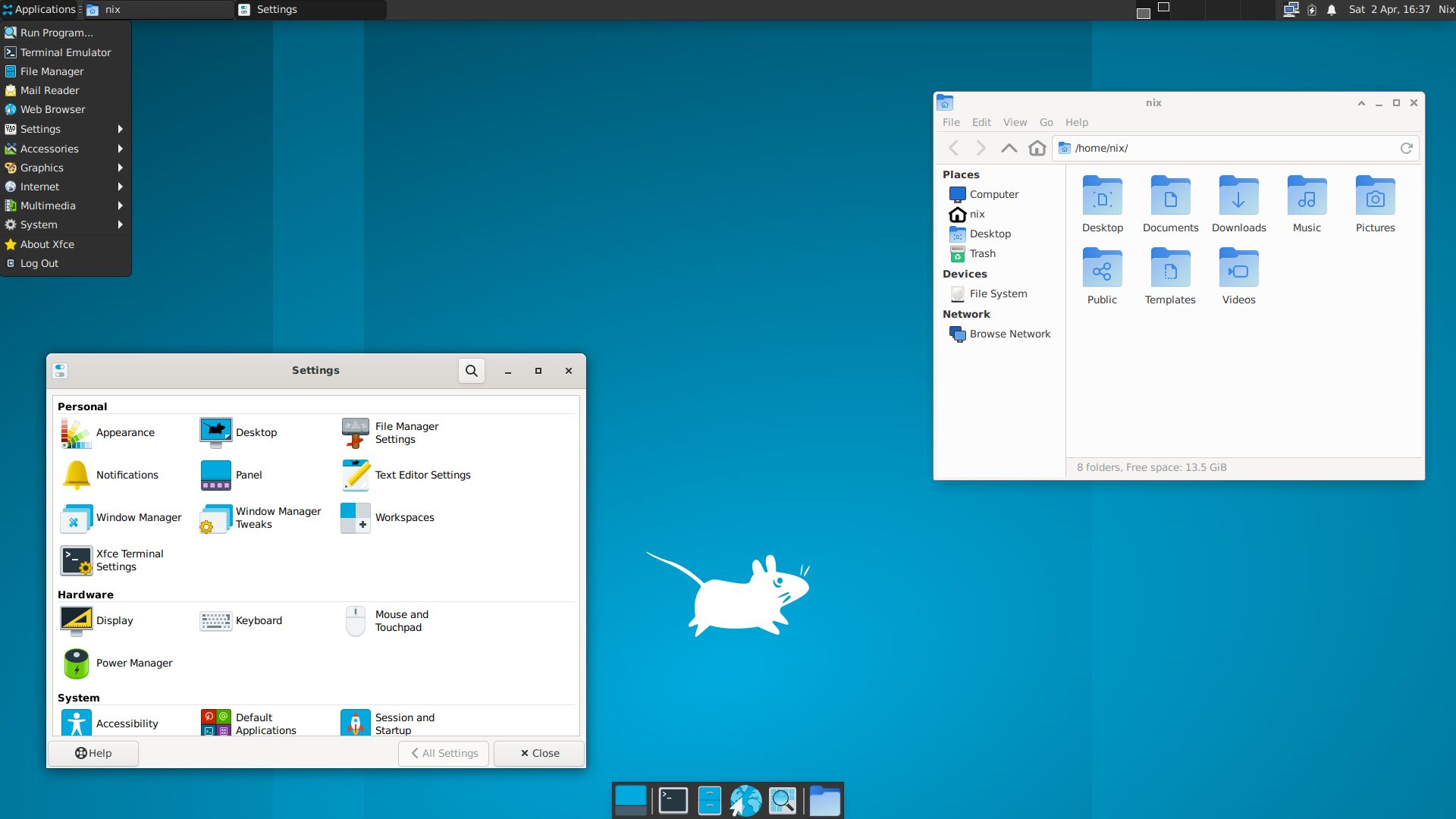
Xfce is a lightweight desktop environment. It aims to be fast and low on system resources, while still being visually appealing and user friendly.
Learn more at xfce.org
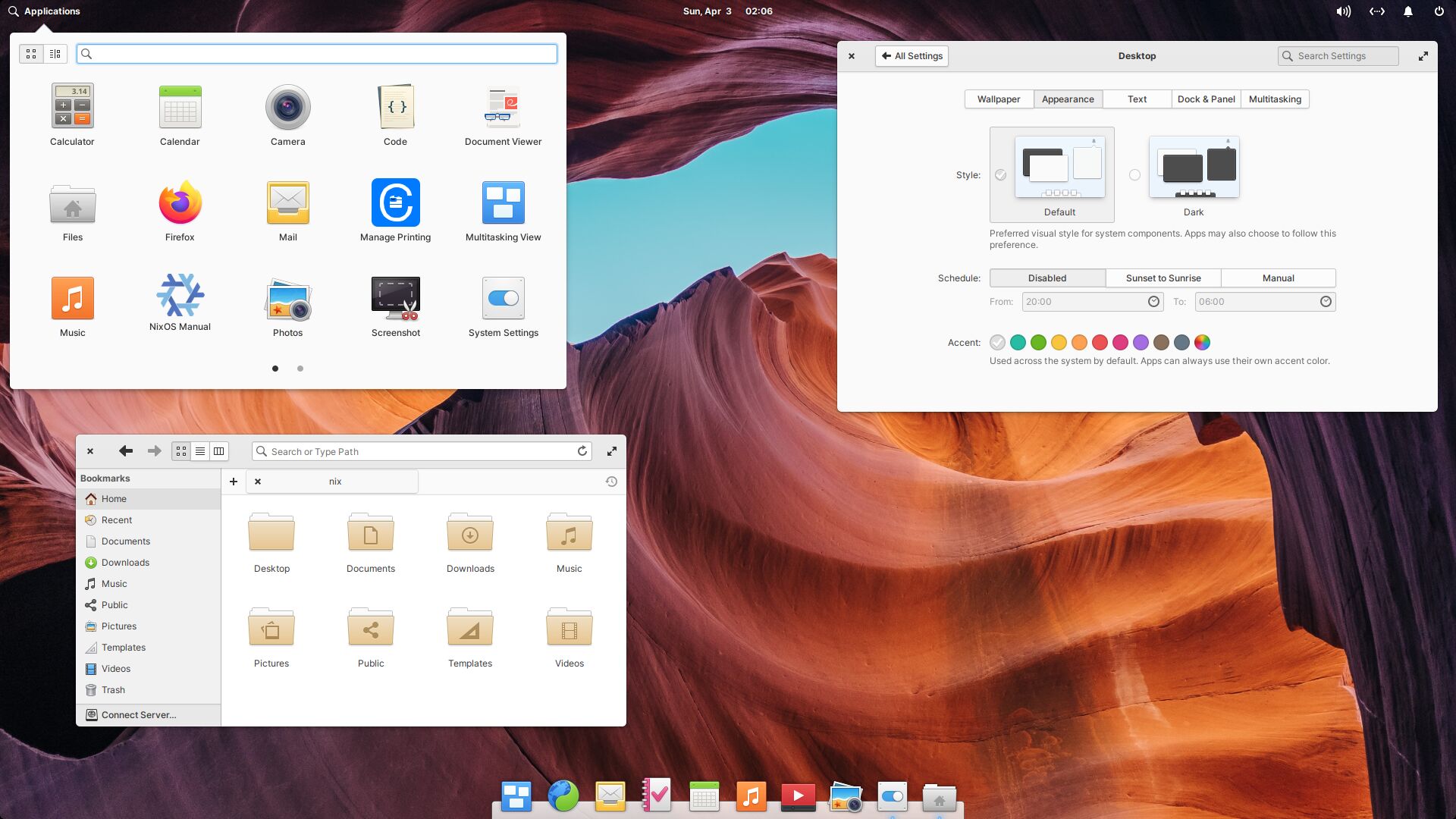
Pantheon is the default desktop of Elementary OS. It provides a productive and intuitive user experience while also being visually appealing.
Learn more at elementary.io/docs/learning-the-basics
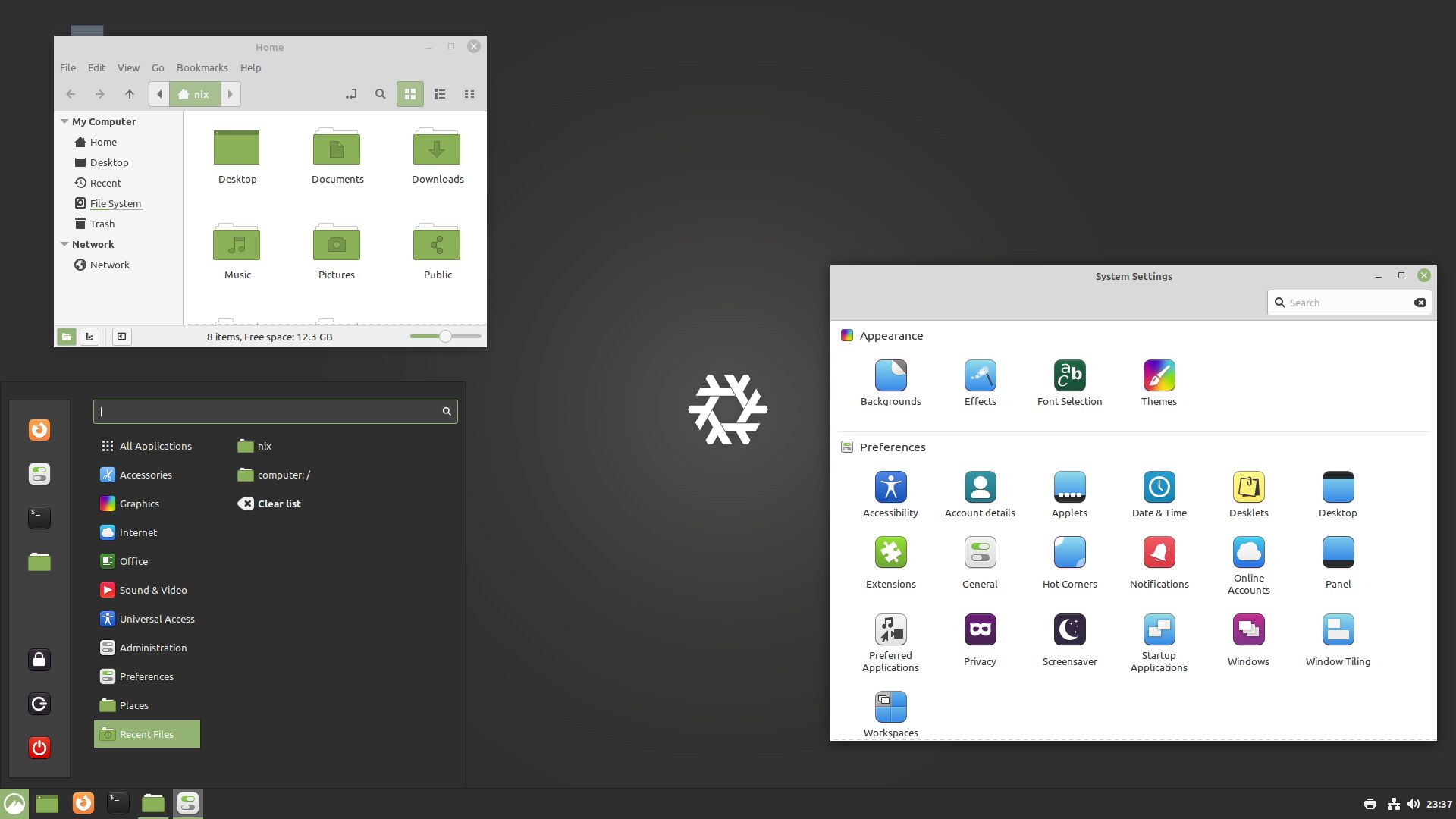
Cinnamon is a desktop which provides advanced innovative features and a traditional user experience. The emphasis is put on making users feel at home and providing them with an easy to use and comfortable desktop experience.
Learn more at projects.linuxmint.com/cinnamon
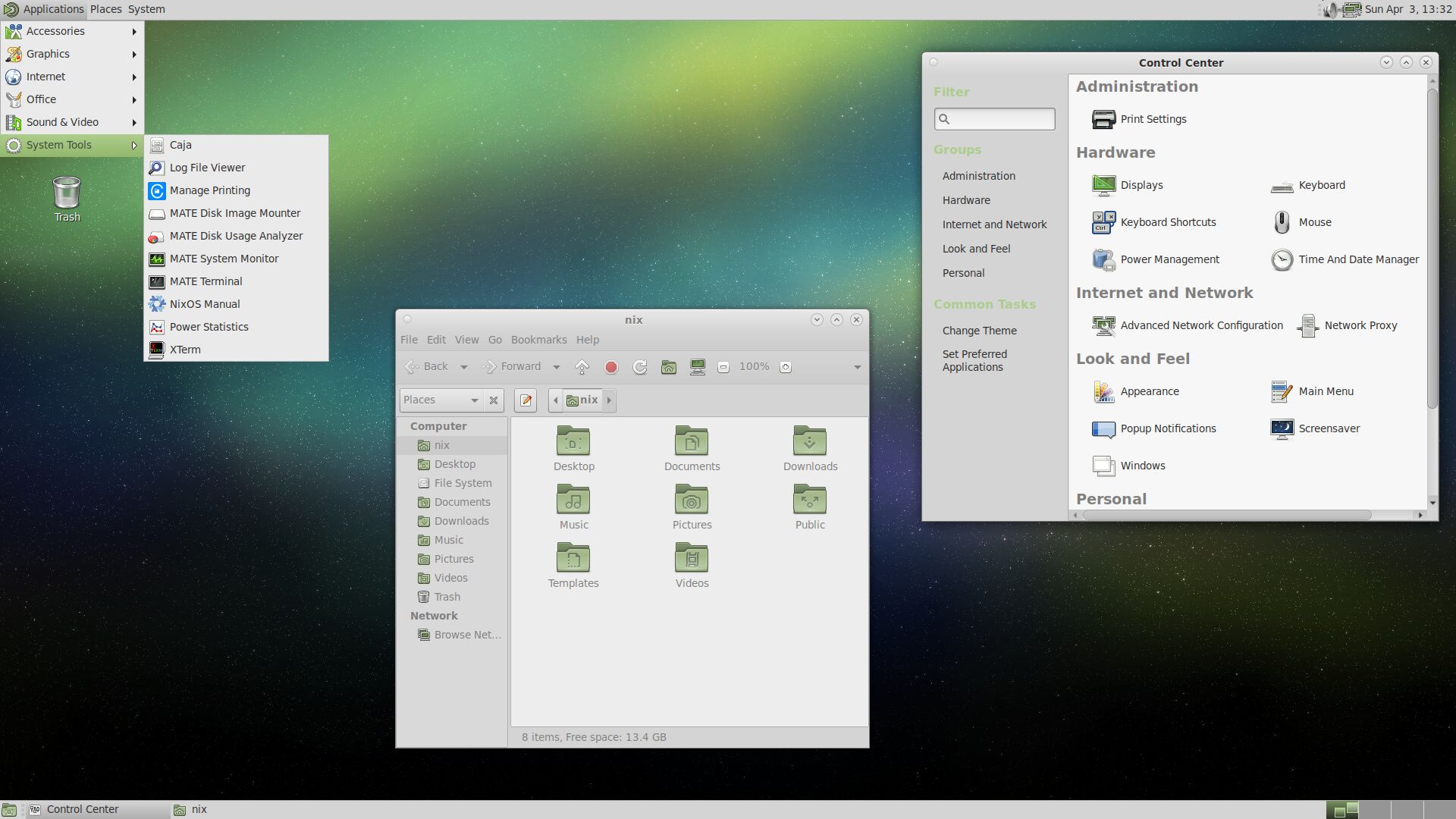
The MATE Desktop Environment is the continuation of GNOME 2. It provides an intuitive and attractive desktop environment.
Learn more at mate-desktop.org
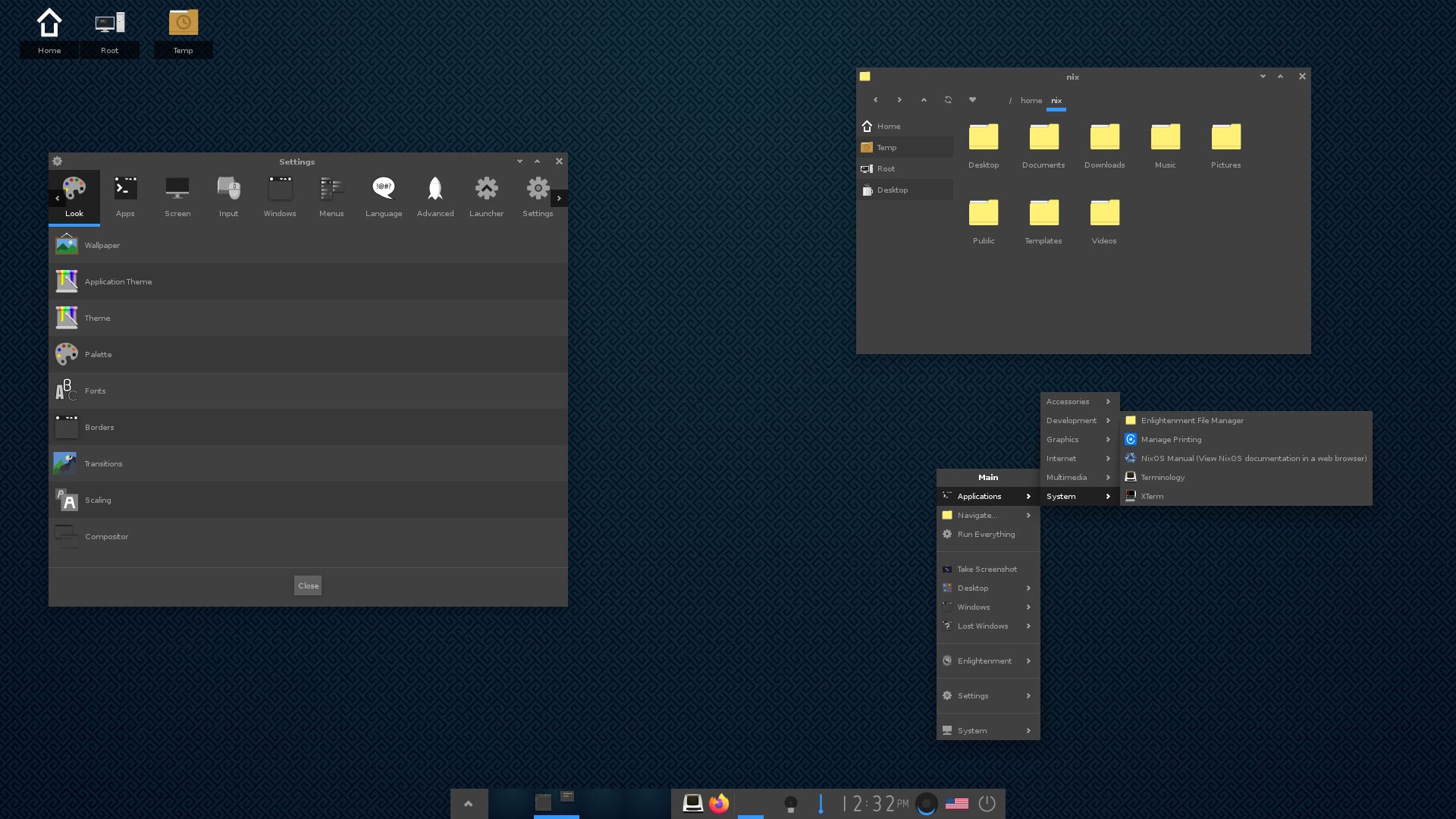
Enlightenment is a Window Manager, Compositor and Minimal Desktop. Enlightenment is classed as a desktop shell as it provides everything you need to operate your desktop or laptop, but it is not a full application suite.
Learn more at enlightenment.org
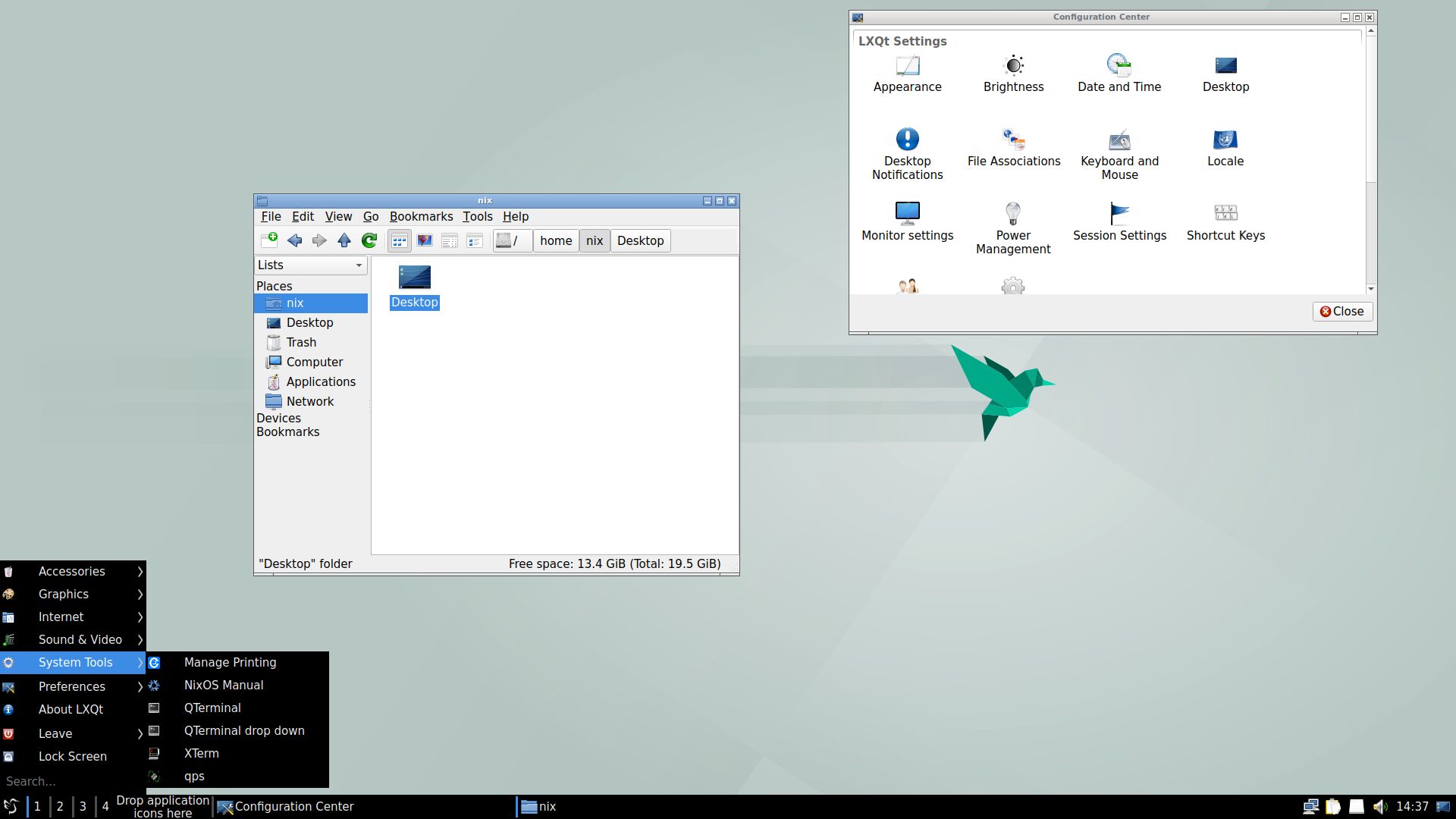
LXQt is a lightweight Qt desktop environment. It will not get in your way. It will not hang or slow down your system. It is focused on being a classic desktop with a modern look and feel.
Learn more at lxqt-project.org
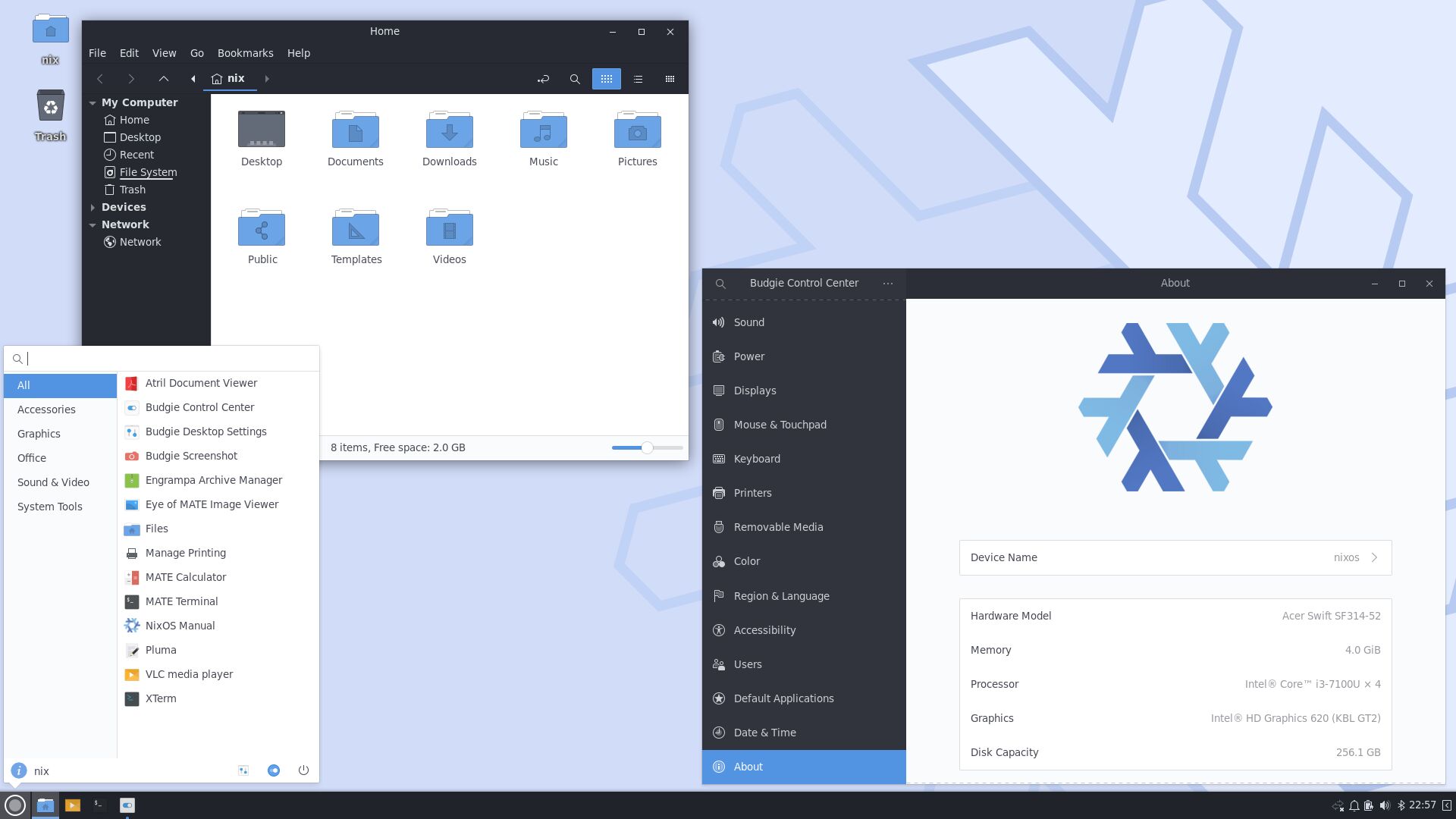
The Budgie Desktop is a feature-rich, modern desktop designed to keep out the way of the user.
Learn more at buddiesofbudgie.org
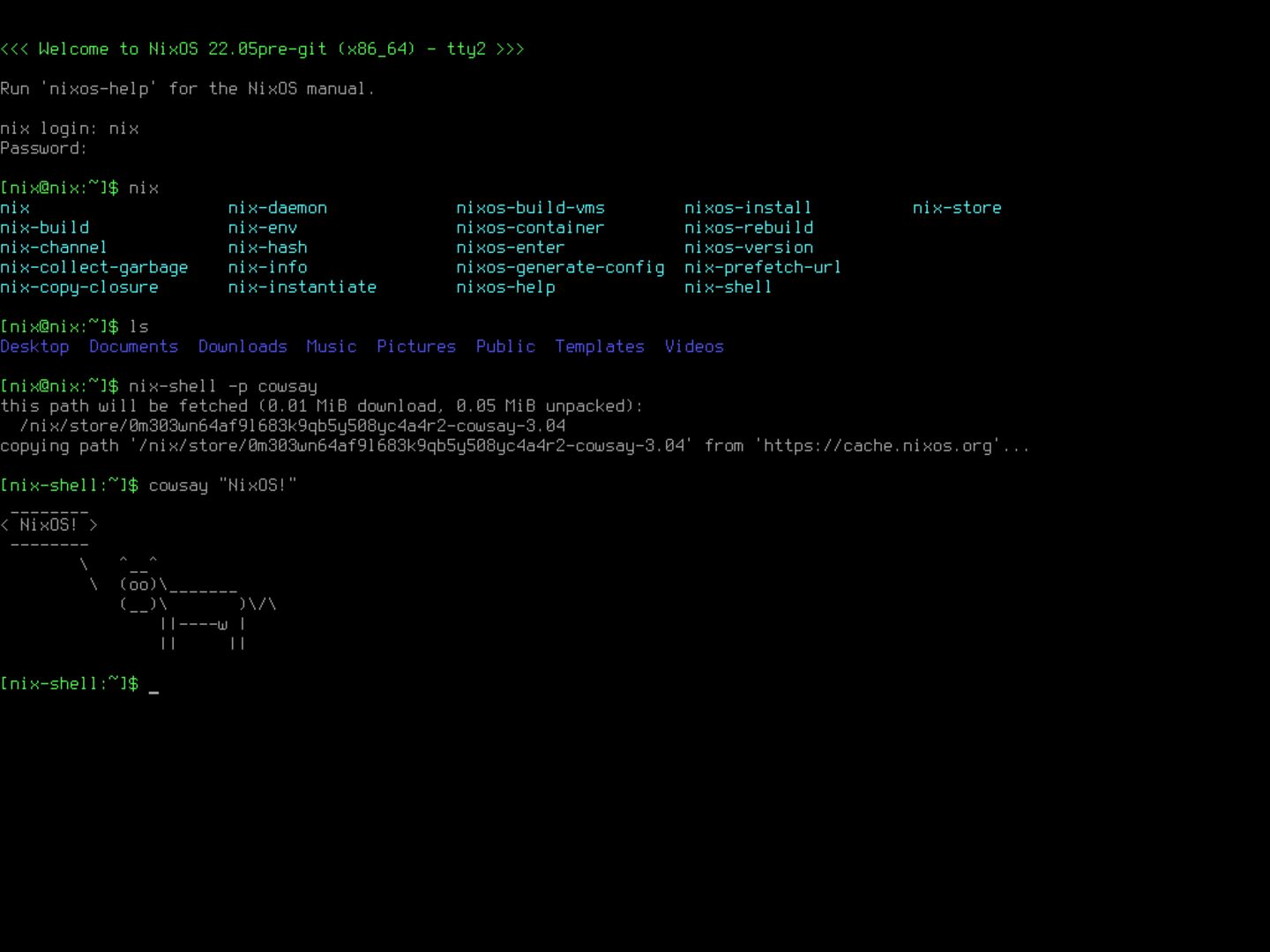
A minimal system without a graphical user interface will be installed. This is great for servers or custom setups with window managers. The configuration can be changed after installation.
NixOS is fully open source, but it also provides optional software packages that do not respect users' freedom to run, copy, distribute, study, change and improve the software, and are commonly not open source. By default such "unfree" packages are not allowed, but you can enable it here. If you check this box, you agree that unfree software may be installed which might have additional End User License Agreements (EULAs) that you need to agree to. If not enabled, some hardware (notably Nvidia GPUs and some WiFi chips) might not work or not work optimally.
All done.
NixOS has been installed on your computer.
You may now restart into your new system, or continue using the NixOS Live environment.

Do you really want to cancel the current install process?
The installer will quit and all changes will be lost.

Calamares
3.4.2
for NixOS
Copyright 2014-2017 Teo Mrnjavac <teo@kde.org>
Copyright 2017-2022 Adriaan de Groot <groot@kde.org>
Copyright 2022-2024 Adriaan de Groot (community) <groot@kde.org>
Thanks to the Calamares team and the Calamares translators team.